What's new in menus
Menus and item pages are becoming more visual, easier to browse and clearer for customers to choose from.
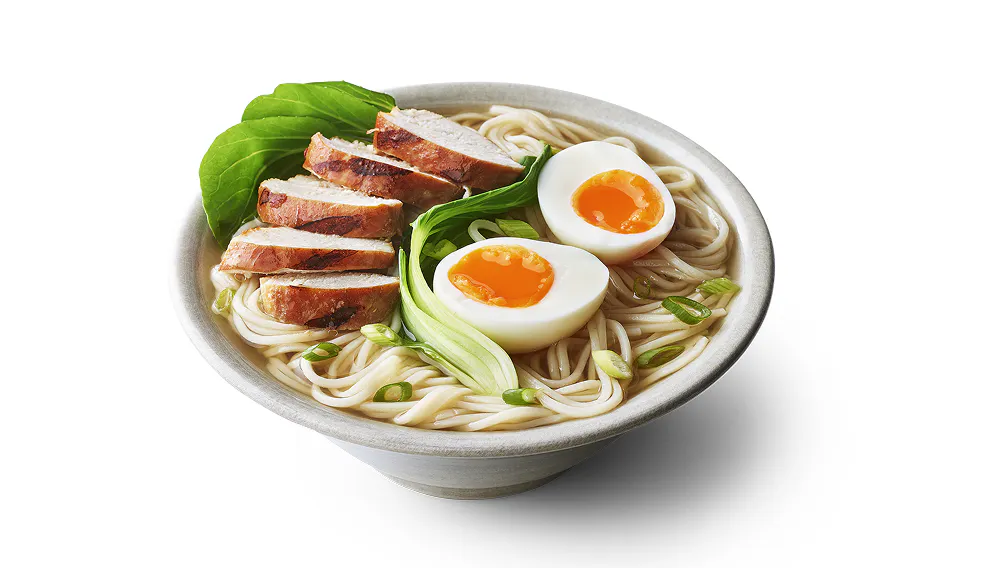
As the experience becomes more image-led, strong food-first images can help your menu appear at its best.

Now live
🚀 Store Page
Experiment: Yes
Available to selected consumers while we test and learn
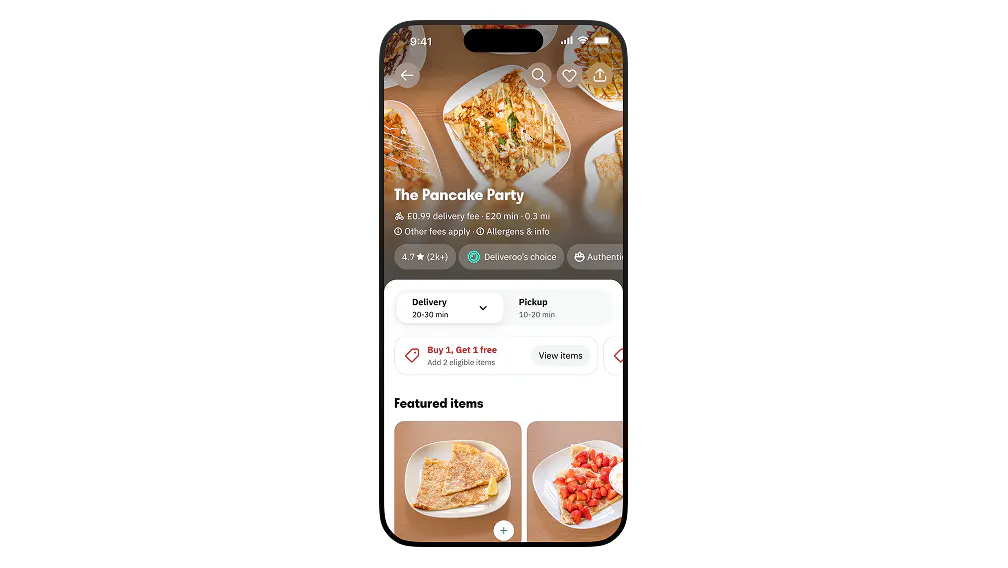
Menus are becoming more visual and easier to browse. You may notice updates to menu headers, promotional banners, carousels and item sections, helping customers spot dishes and explore your menu more easily.
No immediate action is required for this update. Your existing setup stays the same.
Now live
🚀 Item Page
Experiment: Yes
Available to selected consumers while we test and learn
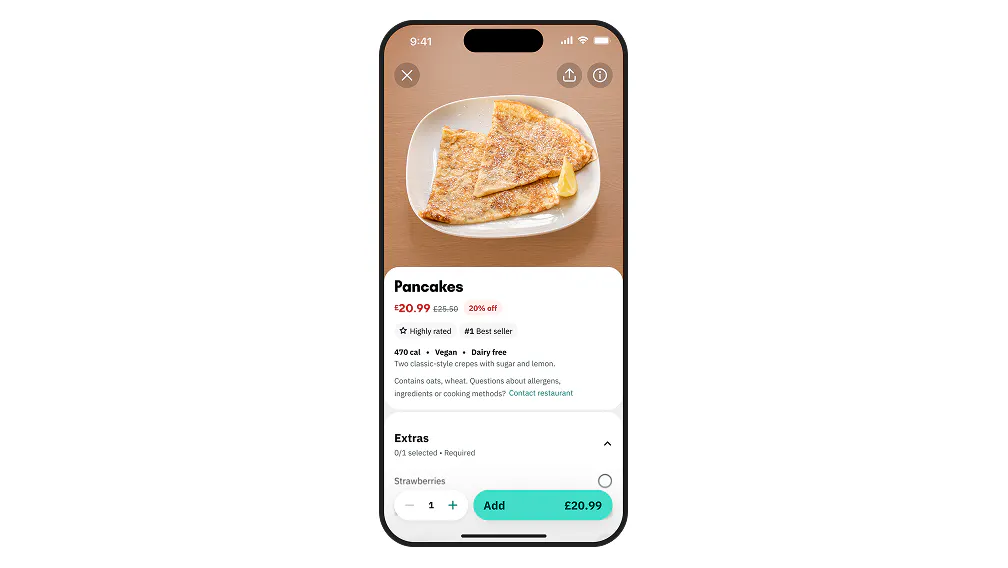
Item pages are becoming clearer and more food-focused. You may notice updates to item information, options, modifiers and add-ons, helping customers understand dishes before they choose.
No immediate action is required for this update. Your existing setup stays the same.
Now live
🚀 Image Mapping
Experiment: No
Available to selected consumers while we test and learn
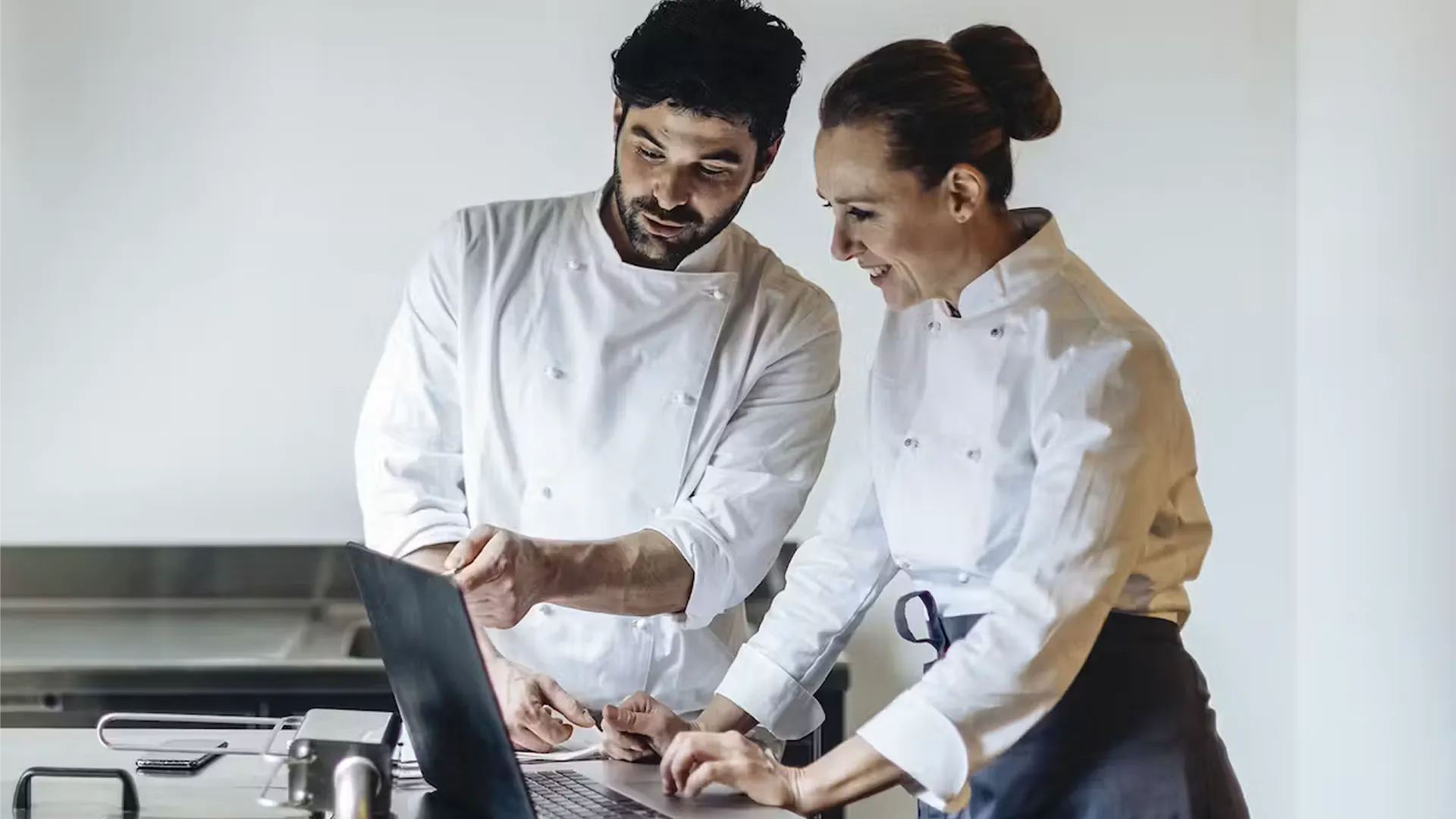
Images may be reused for matching menu items, helping make your menus more consistent where the same items appear across more than one menu.
Now live
🚀 Stock Images
Experiment: No
Available to selected consumers while we test and learn
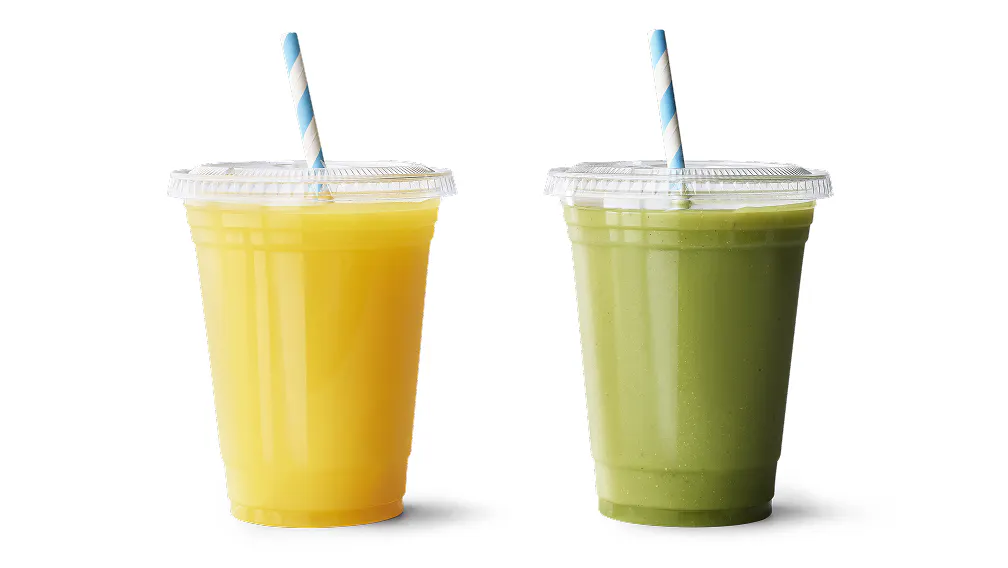
We will use stock images from our image library to fill gaps across drinks and condiments, helping more of your menu appear with images without extra upload work from you.
Now live
🚀 Image Rescue
Experiment: No
Available to selected consumers while we test and learn
Some previously rejected images may be improved and reused, helping turn previous uploads into menu images without asking you to start again.
A note on experiments
At Deliveroo, every menu feature is part of our effort to make menus the best they can be. We’re always testing and learning, so features may evolve as we build menus that help your business grow.
Proof that menus convert

Stronger menus
Early figures show that orders with new Bundles have an average order value of up to £3.39 higher when compared to orders without.**

Bigger baskets
Item descriptions help customers better understand what they’re ordering, increasing order volume by up to 23%.***

More growth
Adding photos to your menu can help boost orders by up to 25%*, improving menu visibility and customer engagement.***
Get your bundles seen on Home
Bundles may be showcased at item level in a new Home carousel, helping customers discover your offers earlier in their journey.
Make sure your bundles are live in Menu Manager or via your API integration to maximise your chances of being featured.
Watch how easy it is to create bundles in Menu Manager.
We’re always improving menus to help partners grow
Catch up on the latest updates below:
Paused
Experiment: Yes
Available to selected consumers while we test and learn
Bundles may be showcased in a new item-level carousel on Home, putting them in front of customers from the moment they open the app.
Paused
Experiment: Yes
Available to selected consumers while we test and learn
Menu item ranking prioritises high-performing items within each category, helping increase visibility for products customers already respond well to.
Now live
Experiment: Yes
Available to selected consumers while we test and learn
Smart Menu automatically suggests relevant add-ons alongside mains, such as drinks, sides, starters and desserts. This helps increase basket size by driving higher attachment rates for add-on items.
Paused
Experiment: Yes
Available to selected consumers while we test and learn
Complementary items may be suggested at checkout, encouraging customers to add relevant extras before completing their order.
Now live
Experiment: No
Available to all partners
Display key nutritional values — such as calories and protein — at item level. This gives customers clearer visibility and supports more informed choices.
Experiment: No
Available to all partners
Add clear ingredient information to menu items so customers know what’s in each dish. This reduces guesswork at checkout, helping customers make choices that match dietary needs and preferences.
Experiment: No
Available to all partners
Shows how many people each item serves, helping customers choose the right portion for their group quickly and easily. This is especially useful for family, friends, and group occasions — customers know what to expect before they order.
Paused
Experiment: Yes
Available to selected consumers while we test and learn
Item ratings will appear on a small number of menu items, helping customers spot popular choices at a glance and decide more easily when browsing your menu.
Now live
Experiment: Yes
Available to selected consumers while we test and learn
Customers can now reorder their favourite items with all their previous modifications saved. The new retaining modifiers feature makes reordering quicker and easier, helping you increase repeat orders and grow sales.
Paused
Experiment: Yes
Available to selected consumers while we test and learn
Bundles are now front and centre on menus. The new in-menu carousel gives your bundles prime placement to help boost visibility and drive more orders.
Now live
Experiment: No
Available to all Menu Manager partners
Your Menu Completeness Score shows what’s missing and what to fix, so your menu looks clearer to customers and can help you drive more orders. A higher score means a menu that’s easier to browse and more likely to convert.
Now live
Experiment: No
Available to all partners using Menu Manager
As part of the new Menu Completeness Score, you now have access to a bulk image upload tool. Add all your missing photos in one quick drag-and-drop, rather than uploading each item individually. It’s one of the fastest ways to improve your menu.
Now live
Experiment: No
Available to all Menu Manager partners
Keep your menu right for every moment. Multiple hero images lets you show different visuals at different times, like a breakfast spread in the morning and dinner dishes in the evening. It allows you to tailor your hero image to your real-time menu, giving customers the right first impression when they’re ready to order.
For Menu API, please check with your integrator.
*Based on Deliveroo’s 2025 UKI Consumer Perceptions of Value for Money survey, 1045 respondents.
**Based on a sample of restaurant orders from May-September 2025. Actual figures may vary depending on restaurant type and menu content. Results are not guaranteed and sample figures may not be indicative of future performance.
***Based on an analysis of menu quality and customer conversion done in 185k global restaurant partners from January-May 2024. Actual figures may vary depending on restaurant type and menu content. Results are not guaranteed and sample figures may not be indicative of future performance.